Git Worktrees for Agentic Development
Give every coding agent an isolated workspace without cloning the repository.
tl;dr;
Use Git worktrees to run agents in parallel without sharing working files or duplicating history.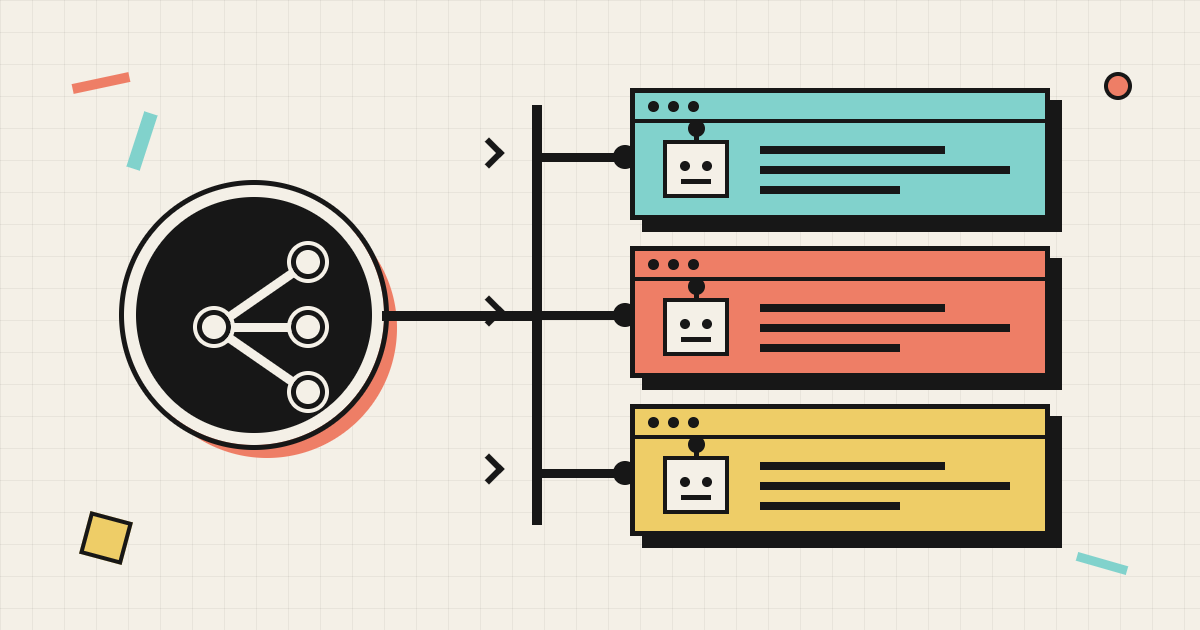
The problem agents create
Most development workflows assume that one developer is doing one thing at a time: check out a branch, make changes, run tests, commit, and move on. In that model, one working directory is plenty.
AI coding agents break that assumption. The whole point of an agent is that you can run many at once: one fixing a bug, one writing tests, one refactoring a module, one exploring a risky idea you’re not sure about. Suddenly, the working directory becomes a shared resource, and the obvious workarounds start to break down:
- Sharing one checkout — agents overwrite each other’s uncommitted files. Agent A’s
half-finished refactor corrupts Agent B’s test run.
git checkoutby one agent yanks the ground out from under another. - Full
git cloneper agent — every clone re-downloads the entire history. For a large repo that can mean gigabytes and minutes per agent, plus multiple copies of.gitconsuming disk. - Stash juggling —
git stashto swap contexts is fragile, serial, and impossible to parallelize.
What agents actually need is isolation without duplication: many independent working directories that don’t interfere, but that share one history so branches, commits, and fetches are instant and cheap.
Branches alone do not solve this. A branch identifies an independent line of history, but creating one does not create another working directory. For that, each agent needs a worktree of its own.
That primitive already ships with Git. It is called a worktree.
What a worktree actually is
git worktree lets one repository have multiple working directories checked out at the same
time, each on its own branch, all backed by a single shared .git object store.
# In your main clone (on `main`):
git worktree add -b feature/search ../repo-agent-a main
git worktree add -b bugfix/crash ../repo-agent-b main
git worktree add -b chore/deps ../repo-agent-c main
You now have four directories on disk:
~/code/repo              (main)              ← the primary worktree
~/code/repo-agent-a      (feature/search)
~/code/repo-agent-b      (bugfix/crash)
~/code/repo-agent-c      (chore/deps)
Each directory has its own working files, index, and HEAD. But there is only one copy of the
repository’s history: the objects, refs, and packfiles are shared through the repository’s common
Git directory. Creating a worktree does not re-download or duplicate that history, so it is
typically fast even for a large repository.
.git
commits · trees · blobs
feature/search
own files + index
bugfix/crash
own files + index
chore/deps
own files + index
The result is the useful combination: shared history, independent files. That is exactly the isolation parallel agents need.
Why worktrees fit agentic development so well
1. True parallelism with no cross-talk
Each agent operates in its own directory. Agent A can run a failing build, rewrite ten files, and run tests — while Agent B does something completely different — and neither sees the other’s uncommitted work. No lockstep, no “please wait, someone else is building.”
2. Cheap to create and destroy
Because history is shared, spinning up a worktree is near-instant and costs only the checked-out
files, not another copy of .git. That makes worktrees disposable: create one per task, throw it
away when the task merges. Perfect for an orchestrator that launches and reaps agents on demand.
git worktree add ../repo-task-1234 -b agent/task-1234   # create + new branch in one step
# ... agent works, commits, opens a PR ...
git worktree remove ../repo-task-1234                    # reap when done
3. One branch per agent, enforced by construction
Git refuses to check out the same branch in two worktrees at once. That guardrail maps perfectly onto “one agent owns one branch”: you literally cannot have two agents accidentally sharing a branch’s working state.
4. Instant context switching for the orchestrator
A supervising process (or a human reviewing agent output) can cd between worktrees to inspect each
agent’s in-progress state, run its tests, or diff its changes — without disturbing any agent. No
stashing, no branch swapping, no rebuild-from-scratch.
5. Shared fetches and reusable caches
git fetch in any worktree updates the shared object store, so every worktree sees new upstream
commits without separate downloads. Dependency directories remain independent, but package-manager
caches can also be shared across worktrees. Together, those two choices keep new agent workspaces
cheap to start.
Sharp edges (and how to handle them)
Worktrees are powerful but a few things surprise newcomers:
- A branch can only be checked out in one worktree. This is a feature, not a bug — it prevents
two agents from corrupting the same branch. If you need two views of one branch, create a second
branch from it (
git worktree add ../view -b copy-of-x x) or use a detached checkout (git worktree add --detach ../view x). - Untracked files are NOT shared.
node_modules, build outputs,.envfiles, and other gitignored artifacts exist independently in each worktree. Each agent must install dependencies and generate build artifacts in its own directory — or you point them at a shared cache (package-manager stores, NuGet, Go, or pip caches, for example) to avoid downloading everything again. - Reap orphaned worktrees. If a directory is deleted without
git worktree remove, Git keeps a dangling administrative record. Rungit worktree prune(orgit worktree remove --force) periodically.git worktree listshows everything currently registered. - Submodules need care. Repos with submodules require
git worktree addplus submodule init inside each worktree; plan for it if you use them. - Long-lived worktrees drift. Fetch and rebase/merge in each worktree just like any branch; the shared object store means the fetch is cheap, but the merge is still per-worktree work.
git worktree list           # see all worktrees and their branches
git worktree prune          # clean up records for manually-deleted worktrees
git worktree remove <path>  # the correct way to delete a worktree
Wrapping up
For agentic development, git worktree is the quiet workhorse:
- Isolation without duplication — many working directories, one shared history.
- Cheap and disposable — spawn a worktree per task, reap it on merge.
- Safe by construction — one branch per worktree keeps agents from corrupting each other.
- Orchestrator-friendly — inspect, test, and diff any agent’s state without disturbing it.
The important shift is simple: stop treating the repository checkout as shared agent infrastructure. Give every agent its own worktree, and parallel development becomes a set of independent, reproducible workspaces.